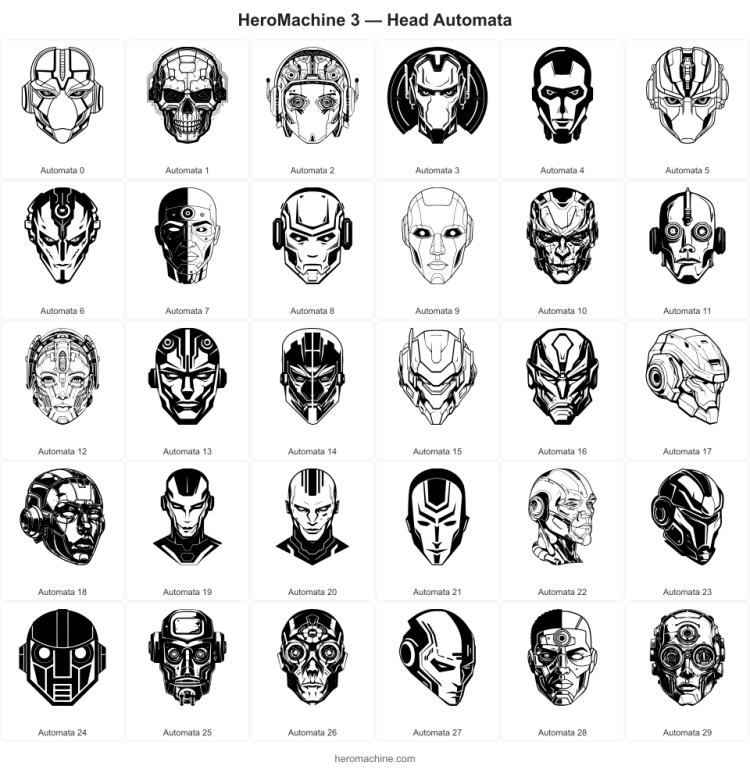
To kickstart your weekend, I’ve released a new set of Head items, housed in Head -> Automata. Think robots, androids, mechs, etc. I experimented a bit with these, adding more highlights and shadows and even positioning some heads in three quarter view, etc. I hope you like them!
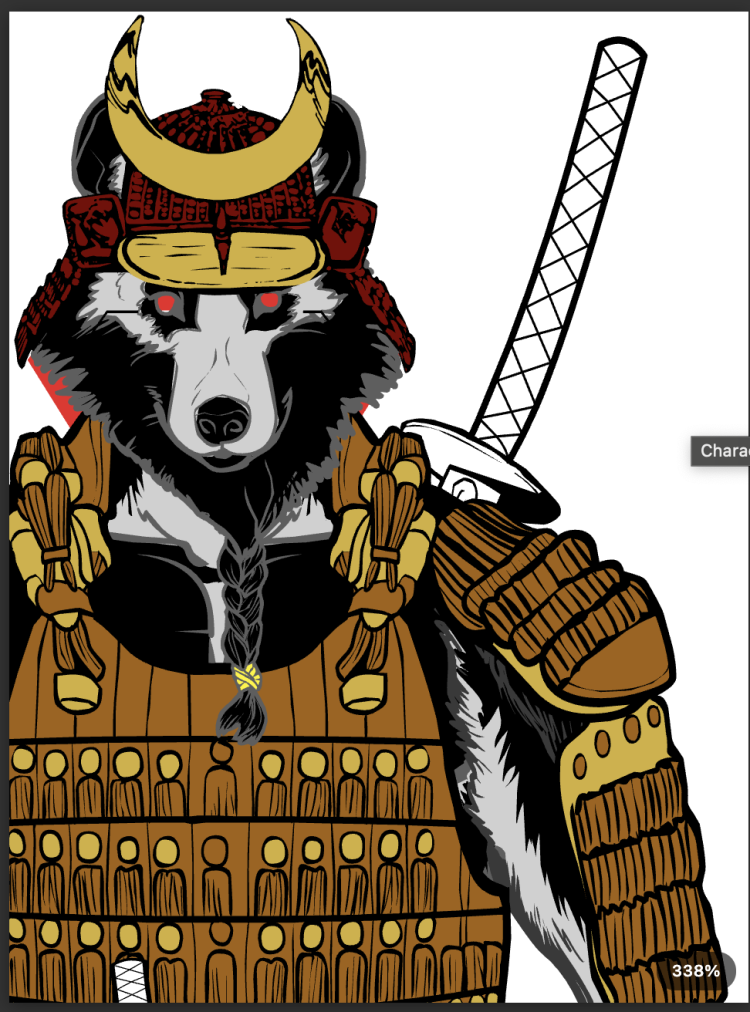
With apologies to Reverse Flash, and with thanks to Ian Thomas Healy (check out his super-hero novels!) for poking me, I’ve just released a new “Zoom” feature for HeroMachine 3. I’ve long been frustrated on how hard it can be to get a close-up view of a particular part of an illustration to fine-tune it. Now you can:
Ctrl + scroll wheel — zoom in/out, centered on cursor position
Trackpad pinch — smooth zoom in/out
Right-click canvas — context menu with Zoom In, Zoom Out, and Reset options
Drag empty canvas while zoomed — pan around the artwork
Zoom indicator pill (bottom-right) — shows current zoom %, click to reset to 100%
Touch pinch — two-finger pinch to zoom on touch devices (when no item selected)
Enjoy, and let me know what you think of the new feature!
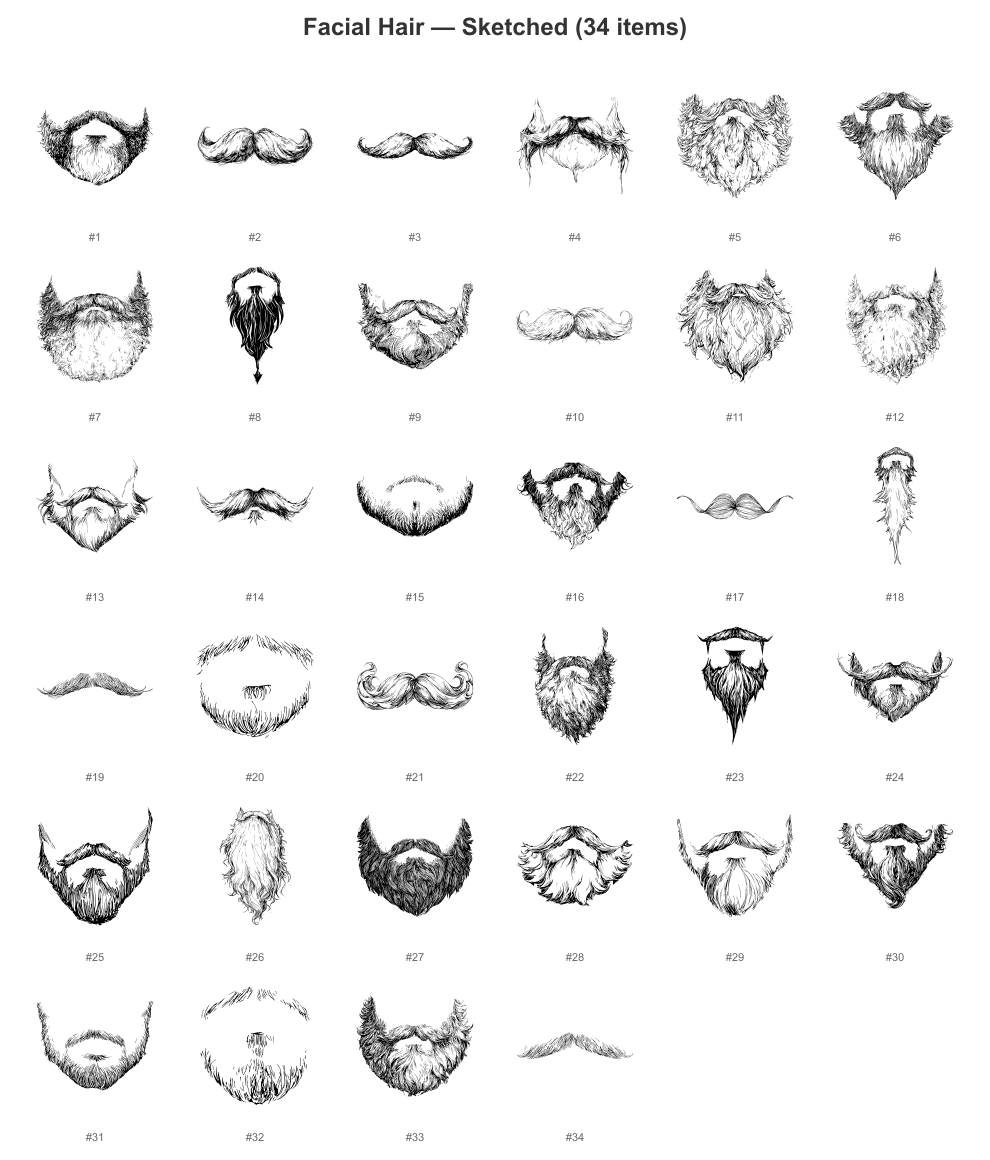
I’ve just released a set of 34 new Facial Hair – Sketched items for your character creation needs. I hope you like them! They’re in the same sort of antique illustration / printed style as the last set, I’m curious what y’all think about this, if it fits with the other items, etc. Anyway, enjoy!
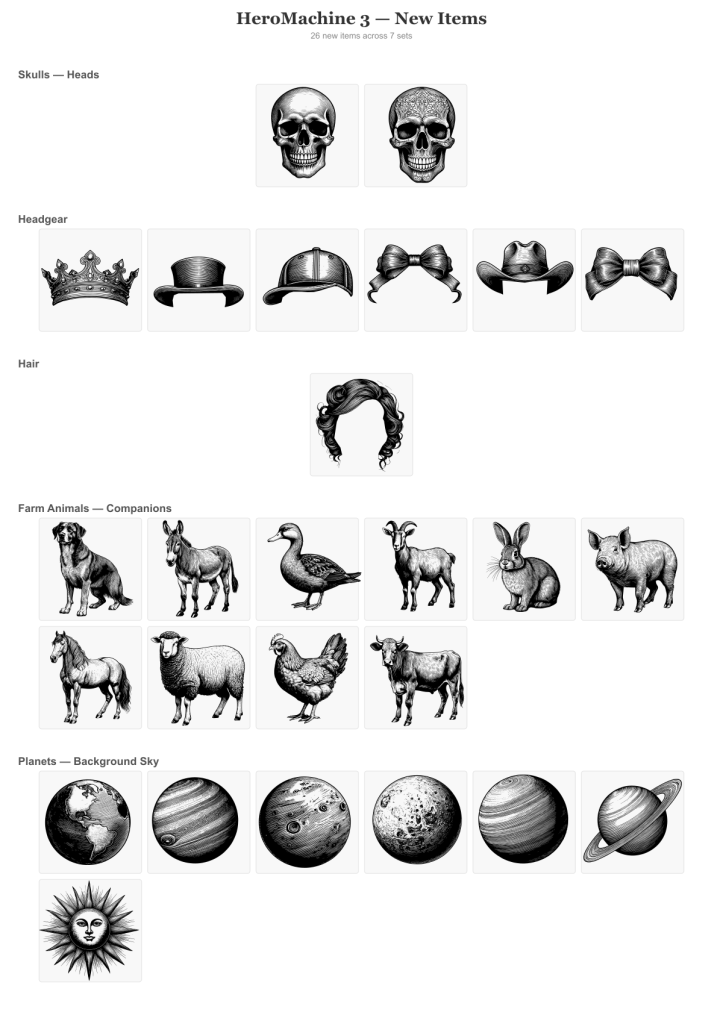
To celebrate the launch of HeroMachine 3 Phoenix Edition, which went way better than I even hoped it would, I’m launching another set of new items. They’re in a classic old-time lineart style that I wasn’t sure would work but I think they’re pretty cool. Give some of the planets a try, changing the lineart color in particular, it gives some wild effects. Let me know what you think of this approach.
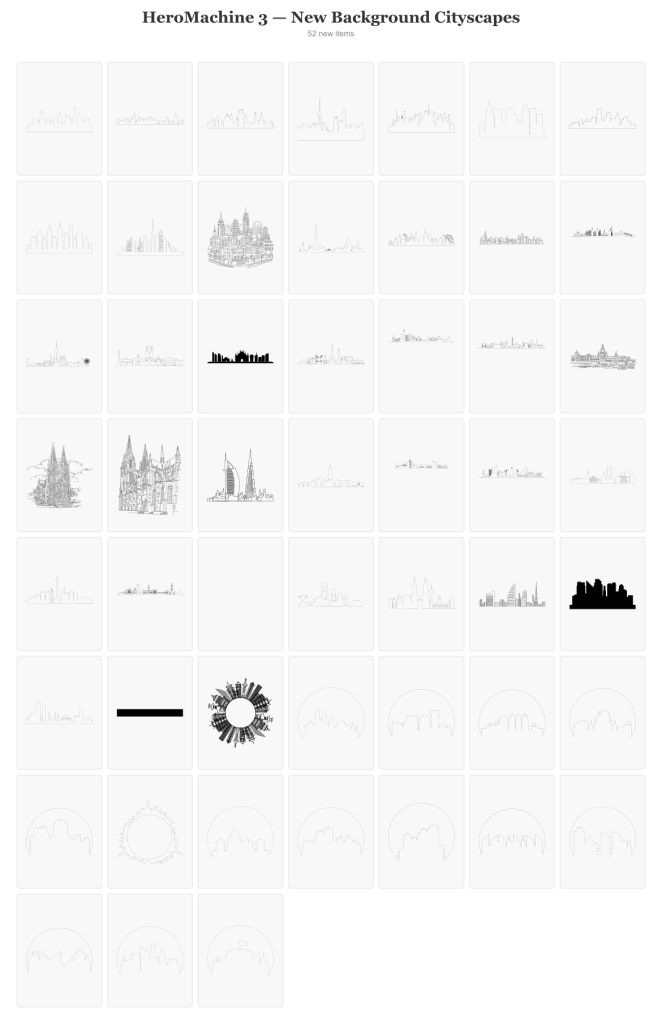
Background Cityscapes
First up are some background items to help set the stage. The new wider viewport makes for a good way to test these mostly long and narrow items. And of course a whole new set, Companions Farm Animals, because why not!
Random Stuff I thought Looked Cool
We had a couple of skulls but the lineart style on these gives them a whole new dimension. Bows and crowns have also been shortchanged so I put in a couple of those.
Just a heads-up that while I’ll be out of town for the next two days I won’t be posting or responding much, but I’ve updated the HeroMachine 3 page with information about the Phoenix Edition, check it out if you get a chance. And thanks for being here!
Can you tell I’m workshopping the name of this update? Anyway, I want to keep you all apprised of how the conversion process is going.
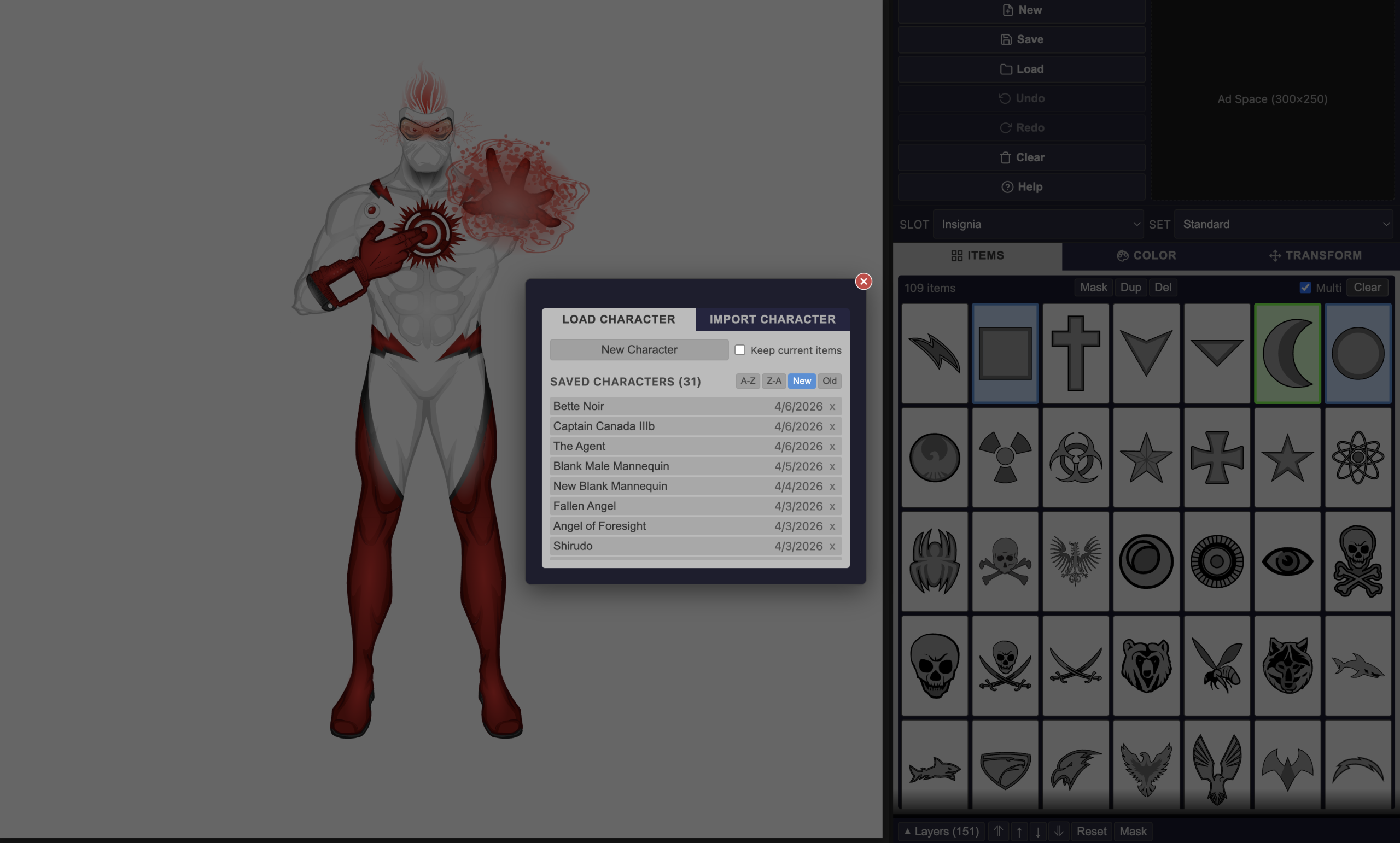
You can now upload not just saved character strings but old Flash Cookie “.sol” files. For a long while that was the only way to save characters but it was tucked away in a hidden location that was hard to get to. Now if you have one from Back In The Day you can import it like any other file and all of your saved characters will be there, fully editable, without needing Flash at all. The test file I got from a long-time and awesome HeroMachine community member had 375 characters saved, and now they can all live again.
In addition I added an “Export All” button so you can keep your characters in a safe place outside of the site. I dread the thought of clearing your cookies and suddenly all your data is missing.
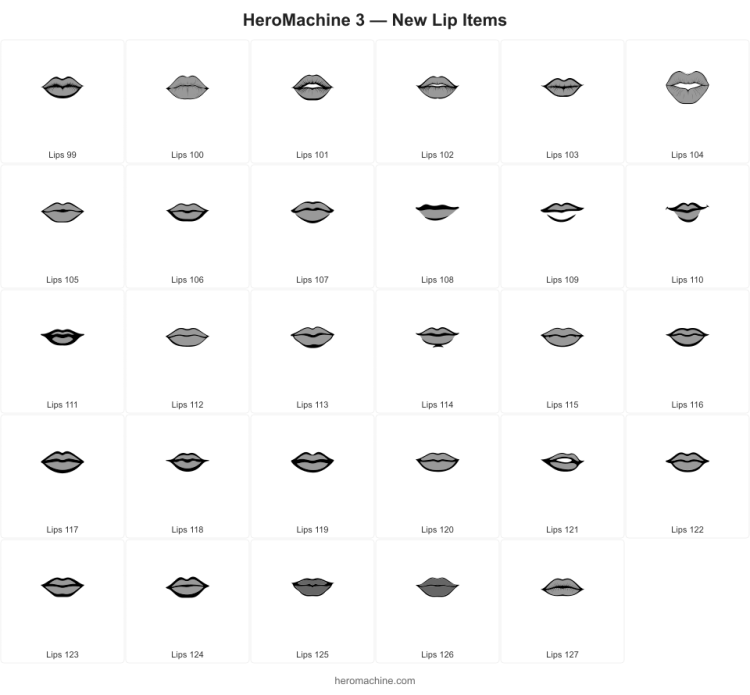
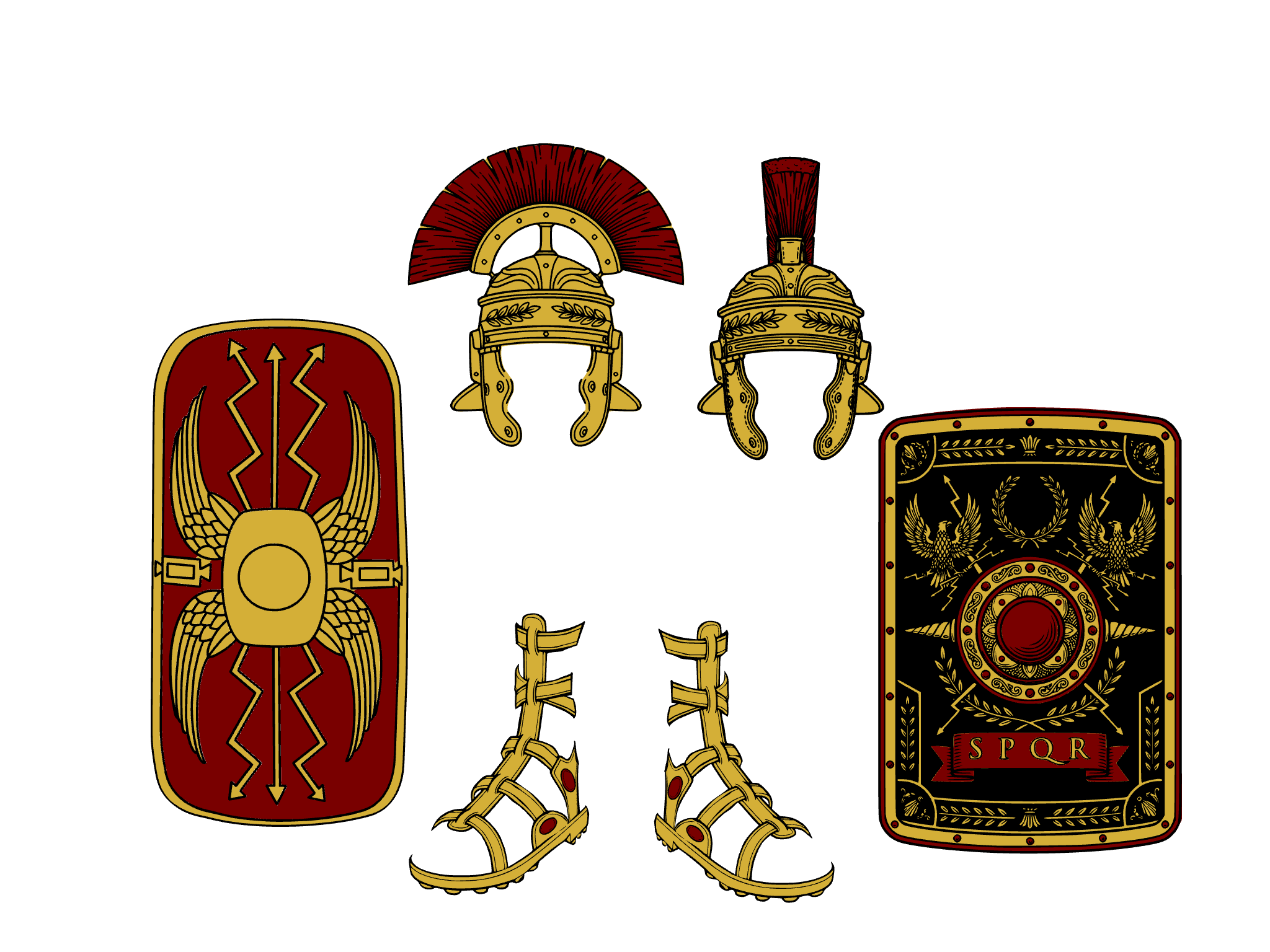
I’m also adding more new items under a central theme!
After way too many years, I can hardly believe that the return of HeroMachine 3 as a non-Flash, fully-functional character creator is not just very real, but quite imminent. Here’s a proof-of-life screenshot:
Three middle-aged nerds (including yours truly!) review all of the MCU movies in chronological order. Short, funny, and full of good vibes, check it out and let us know what you think!
Nerdmudgeon.com