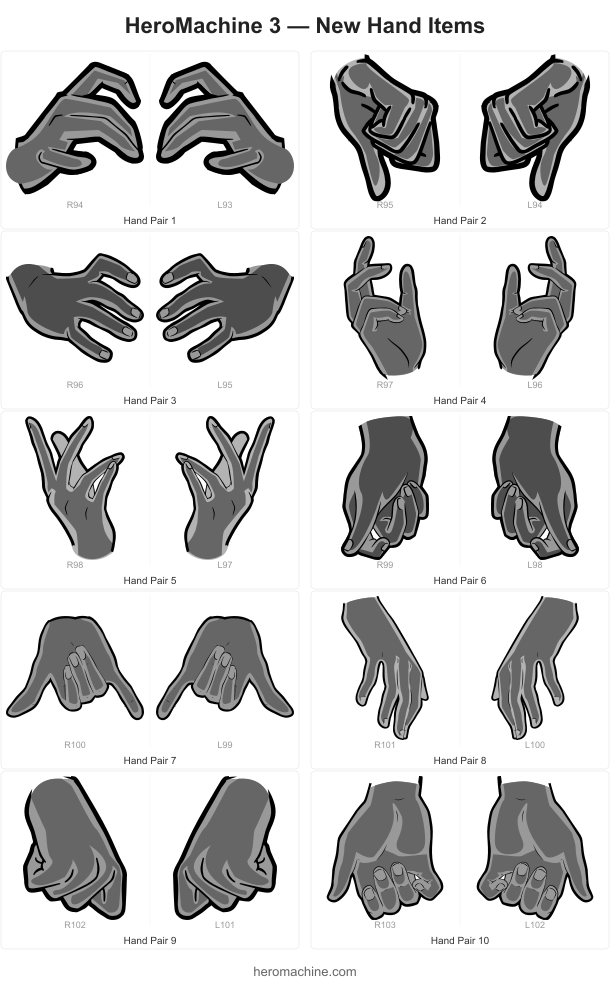
Ten new hand poses are now available in the Hand Right and Hand Left Standard sets! These are more of a “Casual” kind of set, so less “Dr. Strange casting spells” and more “Let’s just hang out” kind of a vibe. Here’s what they look like:
Hands are a lot more difficult to create than other items because I have to make an itemMask that gives the effect of another item being held in it. That’s always a mind-bender for me.
Also in this update, the “Color All Skin” button now works the way it should have from the start. It applies both Color 1 and Color 2 to all skin slots at once, and feet are now included in the skin group. No more having to manually color-match your character’s toes unless you’re into that which, hey, no judgment here, you do you.
I probably had it not that way before since so many of the “Foot” items are actually Footwear instead of body parts. If you don’t like “Color all skin” affecting them, let me know and I can change it back.
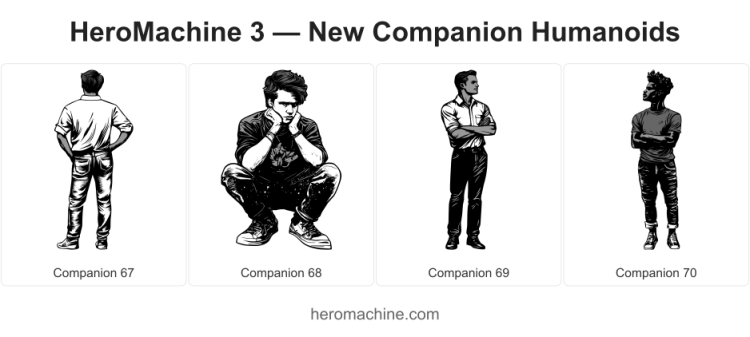
I’ve added some new items to HeroMachine 3 Phoenix Edition for your character creation enjoyment, starting with some JAFOs (Just Another F…reaking Observer):
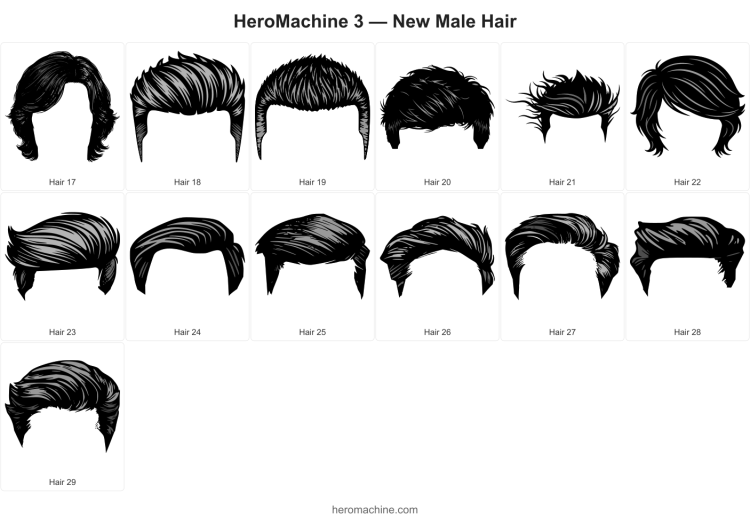
And because nothing makes friends stick close more than being Becky (or Bill) With the Good Hair, you can now use these in Hair -> Male Standard:
Enjoy! I know the lineart on the male companions isn’t quite as slick as usual but I find myself wanting to introduce a little more variation in what’s available. Hope you like them!
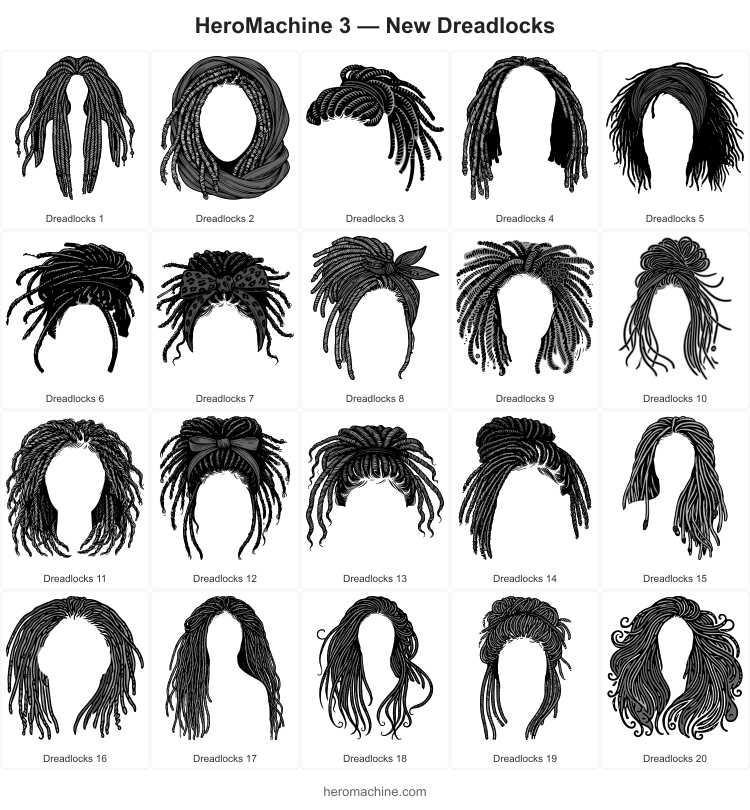
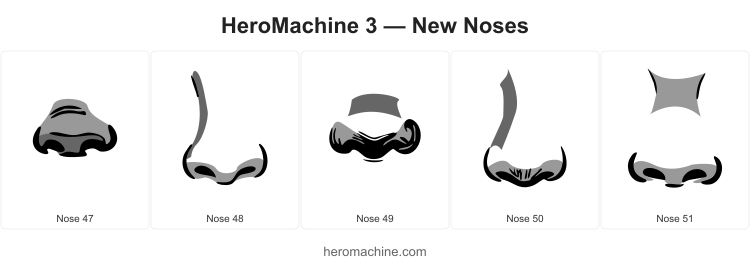
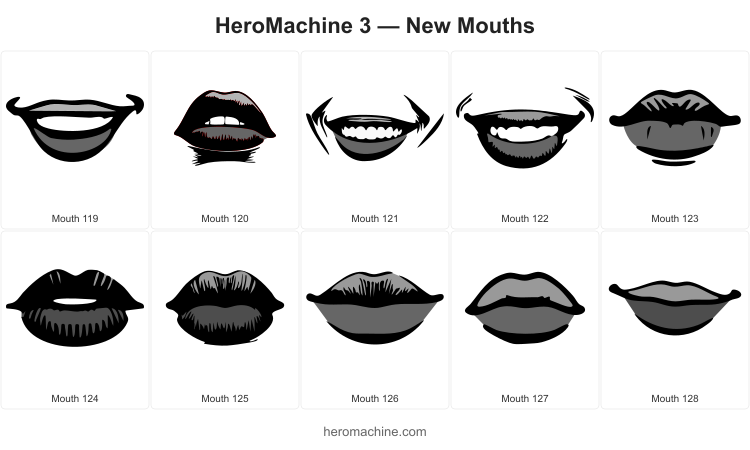
I’ve just released some new additions to HeroMachine 3 Phoenix Edition that I hope will help people make some interesting and cool characters you couldn’t before. The big star is a set of new Dreadlock styles that I am super excited about, I think they came out really well. And while I was at it I added some more lips and noses for the female template that give additional flexibility. I can’t wait to see what you all are able to create with them!
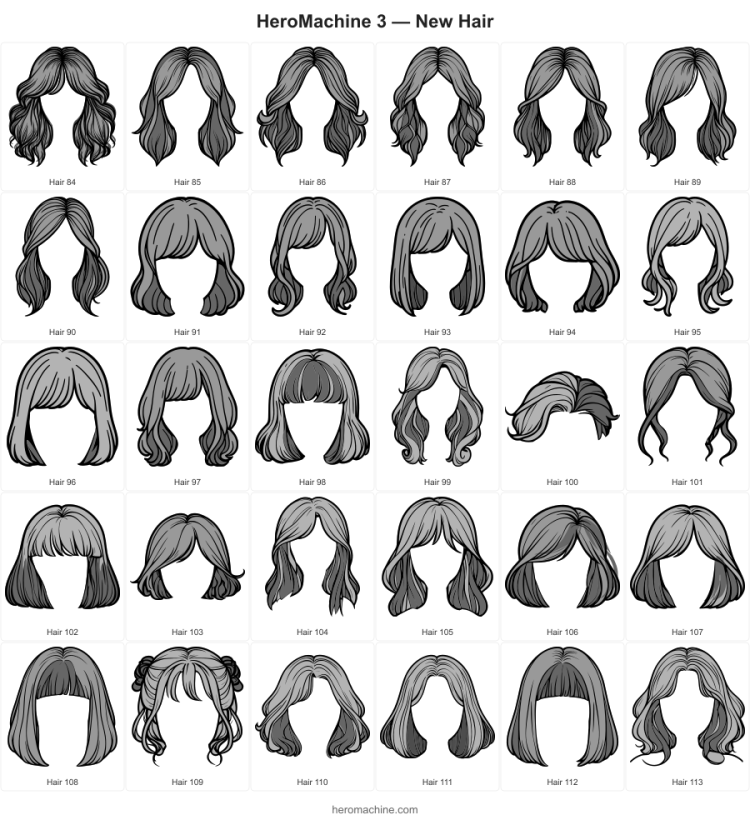
This set of new Hair -> Female -> Standard items went a lot faster than I expected so it’s a surprise additional Monday release.
Next up I have some dreadlock hairstyles (female and male) to do, then a handful of additional non-dreadlock male hairstyles. Then I’ll have to decide if I’m sick of doing hair, and if not I’ll add some new female “long hair” items.
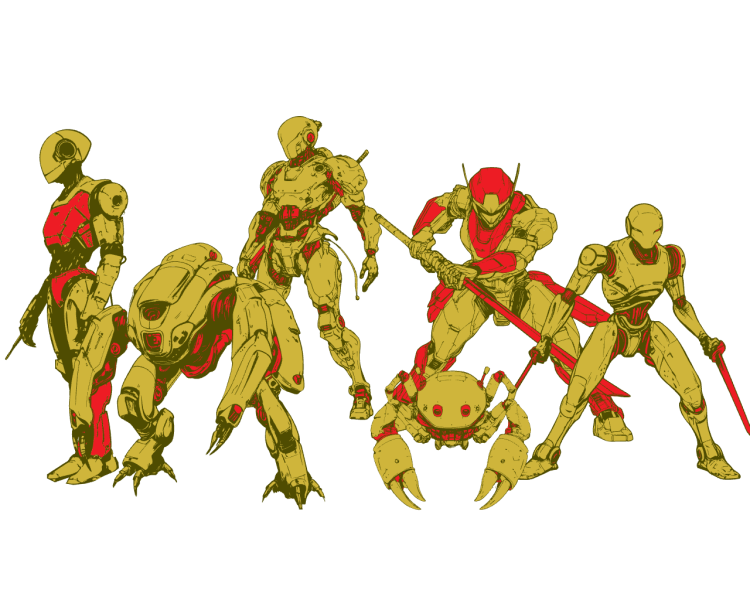
I took a quick break to knock out a new set, check Companion -> Automata for this crew of mechanical assistants. I’m honestly not sure how many people use the more fully-formed character Companions but I felt like adding them, so I did. I hope someone finds them useful!
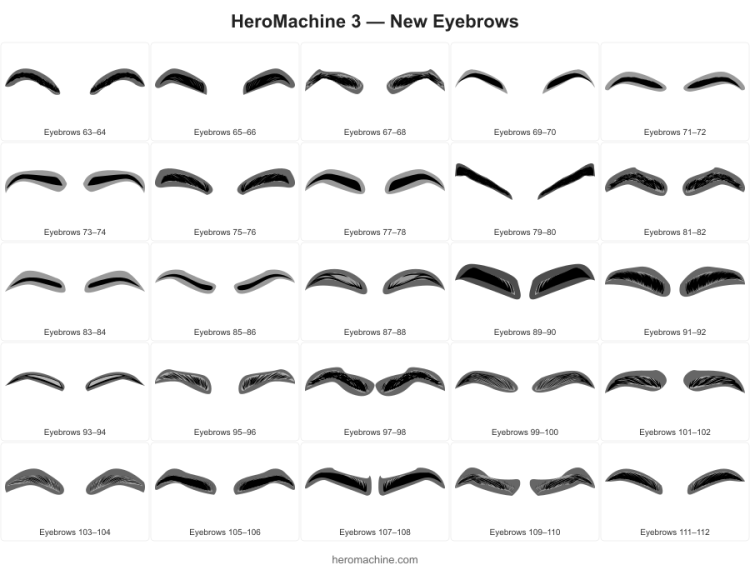
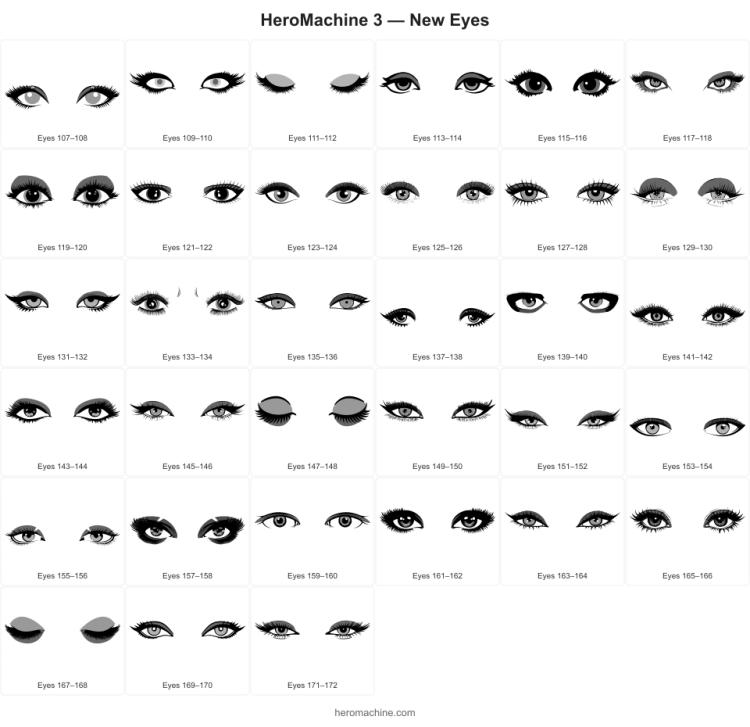
We’re closing out a busy HeroMachine 3 Phoenix Edition weekend with 33 new additions to the “Eyes – Female” set. Enjoy! Next up, eyebrows, then probably Hairstyles per the results of the recent poll.
You’ve always been able to import saved characters as additions to your current design, but once imported they were just a collection of items. You couldn’t affect them as a group, which made creating a multi-character scene extremely painful. It turned trying to make a Bulletman, Bulletgirl, and Bulletdog family portrait less of a Norman Rockwell cover and more of a Jackson Pollock painting.
No more!
I’ve just released the “Scene” feature, where you can choose to load saved characters as complete objects instead of as a collection of items. That means you can layer, drag, scale, and rotate them like you would a sword or a companion, and even change their transparency. This is a game-changer for creators wanting to put together complex scenes.
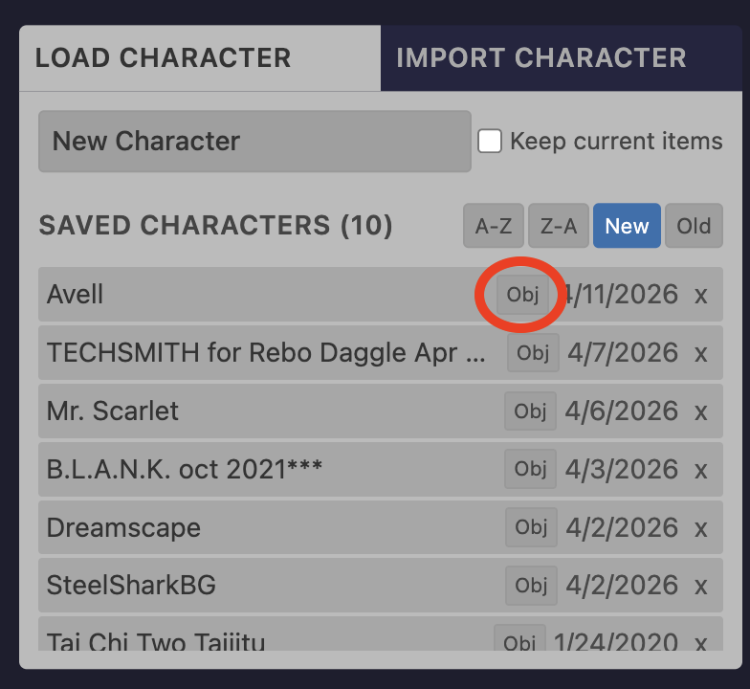
To load a character as an object you can use either of the load tabs. For files you’ve loaded before, there’s a new “obj” inline button:
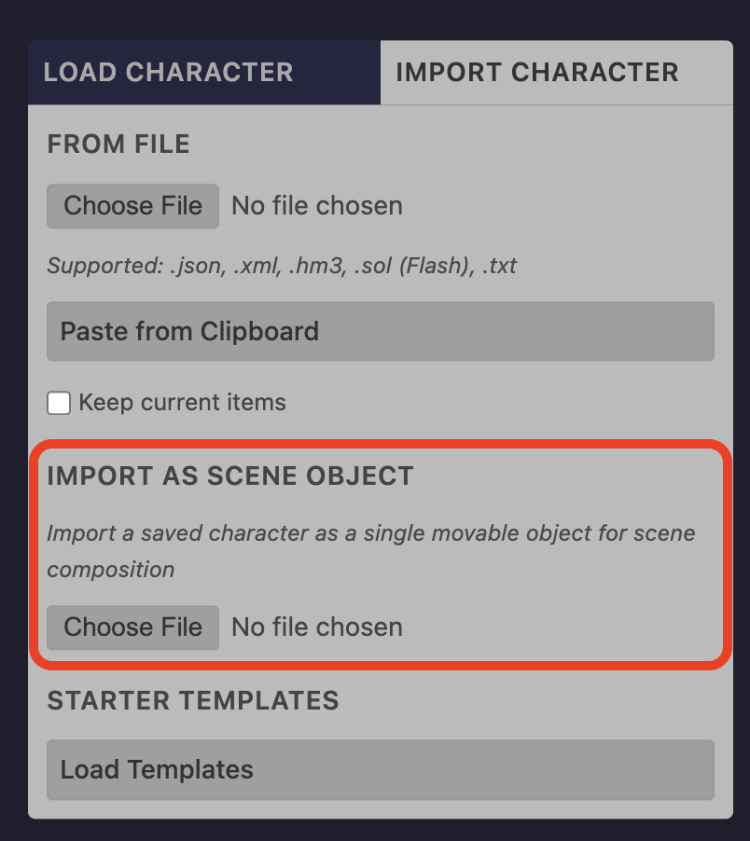
And in the “Import Character” tab for new files it’s here:
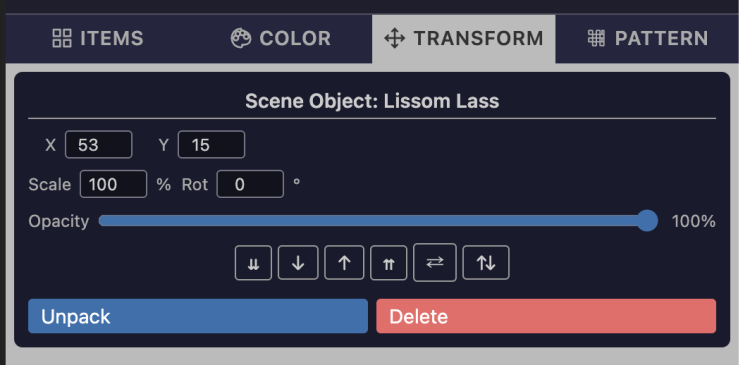
Once you have the character on your canvas as an object and it’s selected, the behavior of the tabs changes a bit, since you can’t color or apply patterns to it. Instead you get these controls for the Transform tab, which mimic the standard ones:
And of course you can still also use the on-canvas mouse controls for scaling, transforming, and layering as well.
The big one here is the “Unpack” button, which does what you’d expect – if you have a character as an object selected and click this, it breaks the object back into individual editable items, right where you placed it.
This is the most ambitious new feature yet in HeroMachine 3 Phoenix Edition and I’m sure you’ll run into some bugs. Please let me know what you find, or what you think of it in general. I suspect the Power Users will get the most use out of it but hopefully it’s still accessible to the more casual folks as well.
Have fun creating and I hope you’ll share some of your Big Scenes either in the HeroMachine Creations FB group or in the forums!
A couple of small updates were just pushed to HeroMachine 3 Phoenix Edition. First, the Patterns tab is back. It’s just as limited as the old one (can’t scale, move, or color patterns) but it’s easier and familiar. If you missed it, it’s back.
When coloring an item that’s set to Pair (like Eyes), the color now gets added to both at the same time. That should make it less tedious to get pairs looking how you want.
Three middle-aged nerds (including yours truly!) review all of the MCU movies in chronological order. Short, funny, and full of good vibes, check it out and let us know what you think!
Nerdmudgeon.com