Archive for the ‘News & Updates’ Category

Monday, May 5th, 2008

HeroMachine Desktop 2.5 Now Available!

We are pleased to announced that you can now download the full HeroMachine 2.5 application for use on your local computer, freeing you from needing an Internet connection (once it’s downloaded and installed the first time, of course). You can access the HeroMachine Desktop Edition 2.5 here. Be forewarned, the new version is literally twice the size of the old one, clocking in at almost 60MB.

This release is the culmination of a year of hard work, and we’re very proud to have it finished and in your hands. The Expansion features hundreds of new items and doubles the overall size of the application. We hope you enjoy using it as much as we’ve enjoyed putting it together for you.

Monday, April 28th, 2008

HeroMachine Mini Layout

If you’ve ever wished you could influence the design of an actual Internet application, now’s your chance! I am designing the next generation of HeroMachine Mini-applets and I want to hear from you about what you do and don’t want them to be like. The goal is to create one basic frame that can be used for any of these smaller applets by changing just a few pieces of data (and of course drawing all new items).

Here’s the latest version of the wireframe (a basic layout without any design elements applied) I am considering for future “HeroMachine Minis” like a Face Maker, Alien Creature Creator, or what have you:

The gray area would be for a 325×250 ad. Below that are general function buttons that affect the overall applet. The only “new” one is the “preview” button, which will remove everything except the current creation, shown full-screen. I might even include some zooming type of feature on that screen. Below that in light green are the various item category buttons (for instance “Headgear”, “Undershirt”, and so on).

The right side of the applet is for actually creating your image. The row of six small rectangles is for item previews, like you have in HeroMachine 2.5, so you can see a set of items before having to pick one. The currently selected item would be highlighted in white. You can scroll up or down an entire set of six items by clicking either below or above the green scroll button, or more than one set by dragging the scroll button itself. The green arrows at the top and bottom of the scroll bar allow you to scroll the preview boxes up or down one box at a time. Clicking on a preview box will select that item and put it on the dark yellow canvas area, applying the currently selected colors to it.

Below the preview boxes and the canvas area is a row of buttons that let you affect the current item or the entire image. Items can be moved up or down in layers, like in the current HeroMachine 2.5 application. You can clear the current item, clear all items, or clear just the currently selected item. The blue and yellow arrow buttons let you select the next or previous item in the set, acting like the left and right arrows that were previously integrated into the component selection boxes.

Below that row of buttons is the scaling control. This will let you stretch the currently selected item sidways or up and down. You can move the current item around on the canvas by clicking and dragging it.

Finally, to the right of the scaling control is the color selection area. The number of color boxes here is flexible. You can potentially set two different color areas as well as the line color. Selecting a color area tab will set that as the active region.

That pretty much covers it. I’d be delighted to hear any suggestions or concerns you might have about this proposed interface — features to include that aren’t there, features currently there you think would be useless, overall layout, anything goes.

Friday, April 25th, 2008

HeroMachine 2.5 New Components!

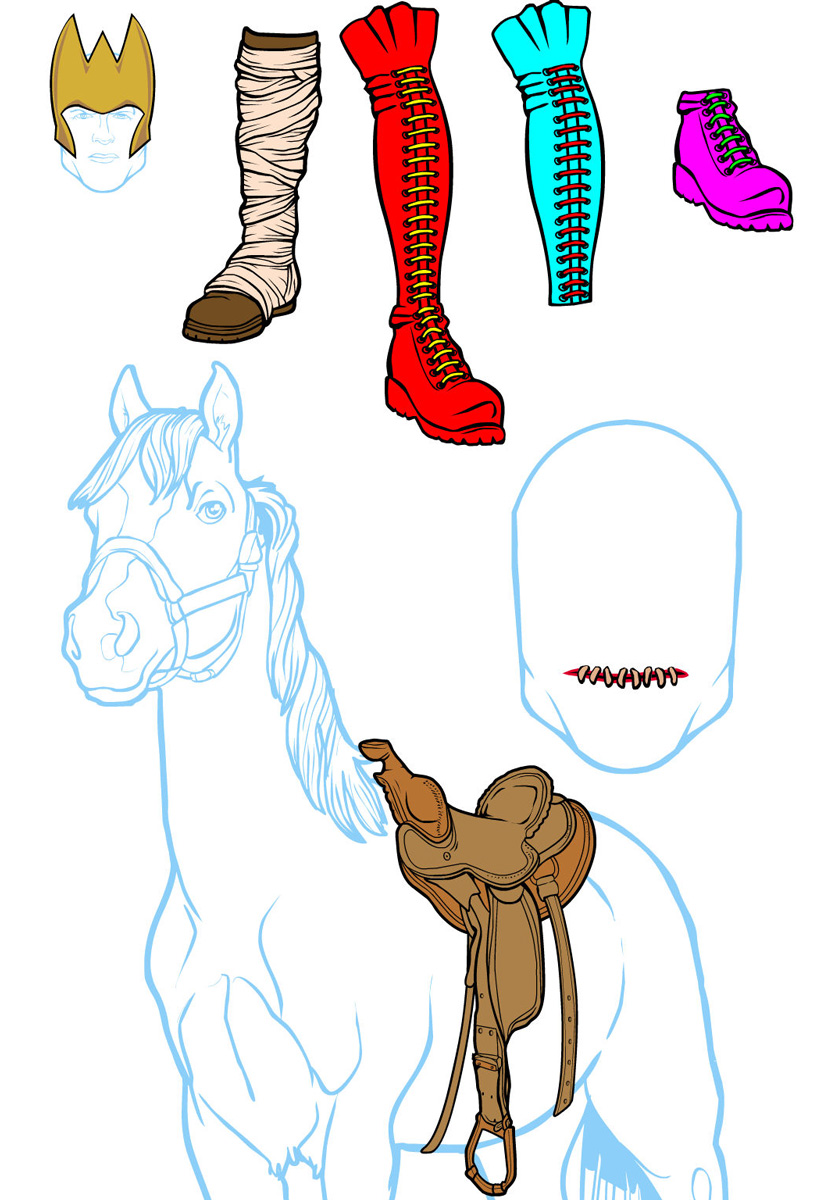
I am pleased to announce that the full set of Expansion items comprising HeroMachine 2.5 is now complete and available on UGO.com, absolutely free! This release includes all of the bug fixes reported previously as well as 28 new component genres available for your use. I have copied over the most popular components into other slots so you can now have two items from the Coat component, or two from Undershirts, two Companions, etc. Here is the complete list of new component options:

(more…)

Thursday, April 24th, 2008

Face Maker

With the HeroMachine 2.5 Expansion nearing completion, I am starting to think about the next big project I should work on. After a bit of back and forth, the one that has me most excited is the idea of a Face Maker, a HeroMachine-powered applet that would focus on the face and head. One site that does something similar is “Ultimate Flash Face“, to give you an idea of what I am talking about here. I’ve got a rough draft wire frame model and some other thoughts after the jump.

(more…)

Thursday, April 17th, 2008

Pinup Edition is now live!

I am pleased to announce that HeroMachine:Pinup Edition is now live and available at UGO.com! The Pinup Edition is Pinup Stephaniedesigned to be a tribute to the pinup calendars of the fifties, and features two attractive female figures you can dress up in a variety of fun outfits. This is very much a PG-13 style applet, a bit racy for younger users but nothing more risque than you’d see on the cover of FHM or in your average late-night TV show.

I hope you enjoy this latest release, and by all means please let me know how you like it, any changes, additions, or deletions to the item set you’d like to see, and anything else about it that crosses your mind. I realize this is a bit more mature than anything else I’ve done, but I think it’s tasteful enough not to be too much for the younger crowd while still being suitable for an older audience.

On a more technical note, this is also a chance to preview two items that may impact future HeroMachine offerings. First, it has an integrated ad unit, something you’re likely to see in the near future on HeroMachine 2.5. Let me know what you think about how it’s implemented.

Second, I got to try out having an entire component dedicated to the “Name”. Before, the name was either completely separate from the image, or was only in the basic system font on a white background. Now you can change the font and color to get a neat graphical element into the text. It’s something I’ve been thinking about incorporating into future mini-Editions and maybe 3.0, only even more so. I’d be curious to hear how you feel it’s working out so far.


HeroMachine Poll
What crossover matchup would you most like to see?
View Results
View all previous poll results


archive1