Forum Replies Created
-
AuthorPosts
-

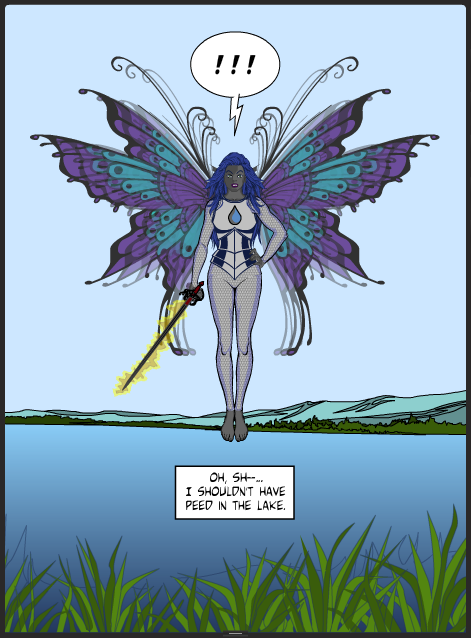
dravid8ParticipantThe Angry Naiad (aka Ripariana):

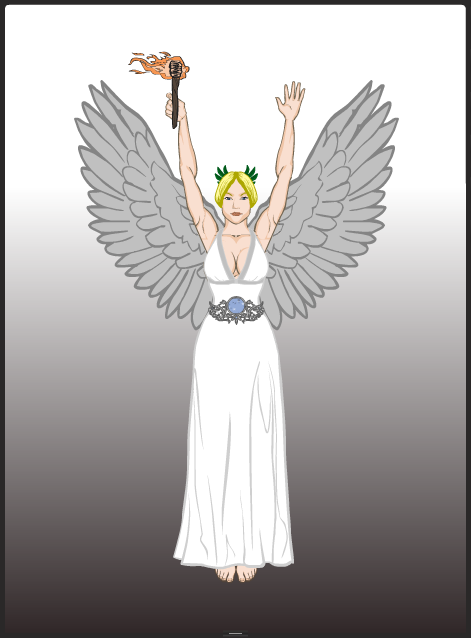
dravid8ParticipantA few more. Nike:
dravid8ParticipantI like it! 🙂
dravid8ParticipantThank you all for the encouraging comments! Hawk, yes I’m a huge FR fan, which is my main inspiration for the characters/scenes I come up with, along with LOTR. I’m being careful not to use terms like “drow” and “tiefling” because they’re, from what I can gather, trademarks of Wizards of the Coast, D&D’s parent company. But yes, Tiberius, the cursed-dark-elf genre seems to be under-represented here. I’m happy to help change that 🙂 Glad to make people laugh, or at least smile, too.
PS: Thanks for the help, Kaldath 🙂
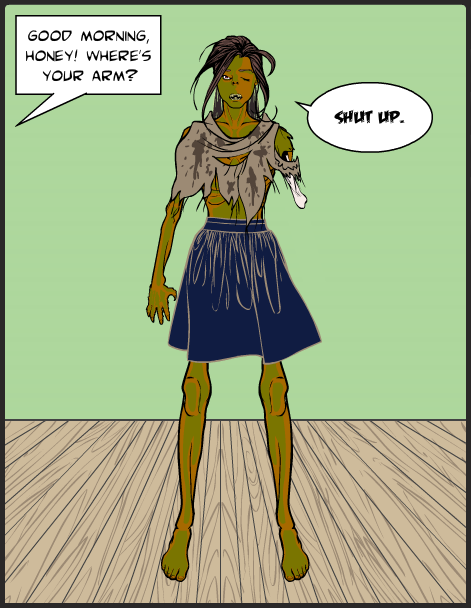
dravid8ParticipantWaking up is hard to do:

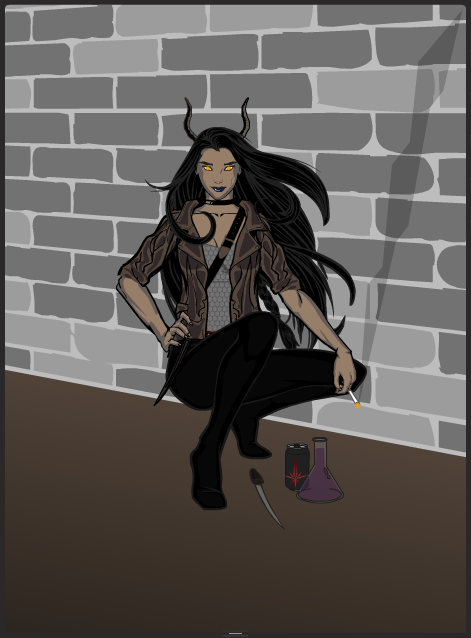
dravid8ParticipantA Teufelblut in Chicago, cooking up some random mischief:
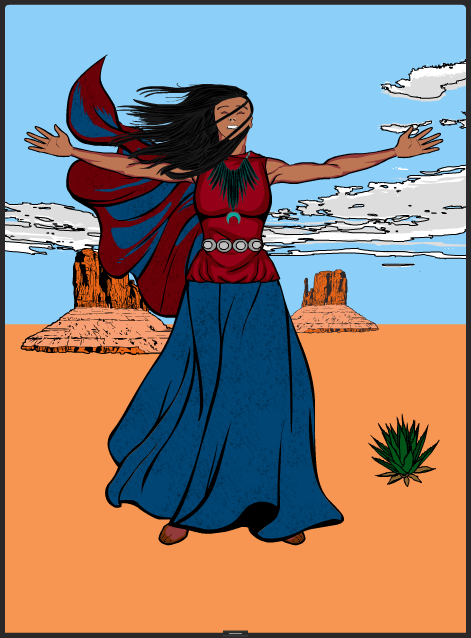
dravid8ParticipantNiyol (Navajo for “wind”):
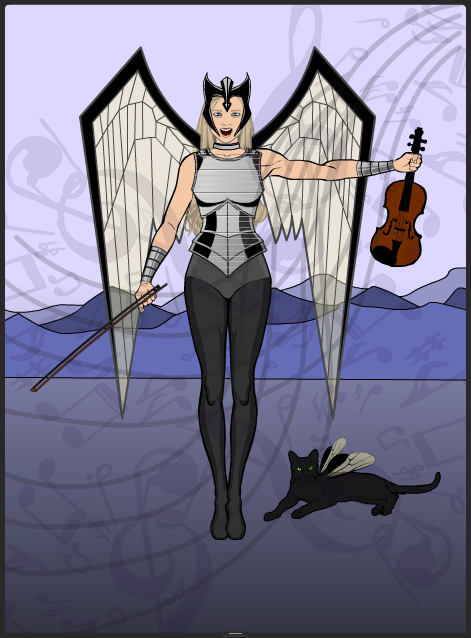
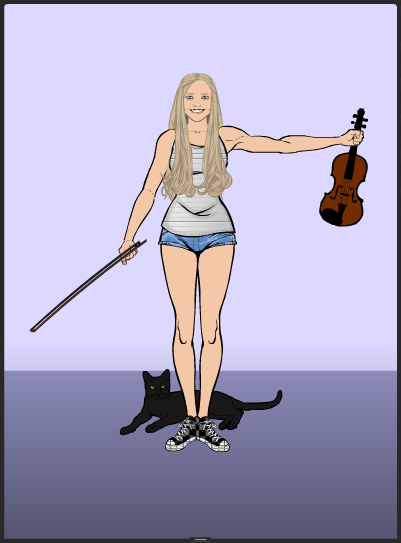
dravid8ParticipantSuperBecca (with, of course, SuperKitty):
dravid8ParticipantThanks, JR 🙂
Becca, a musician friend of mine, via HM.

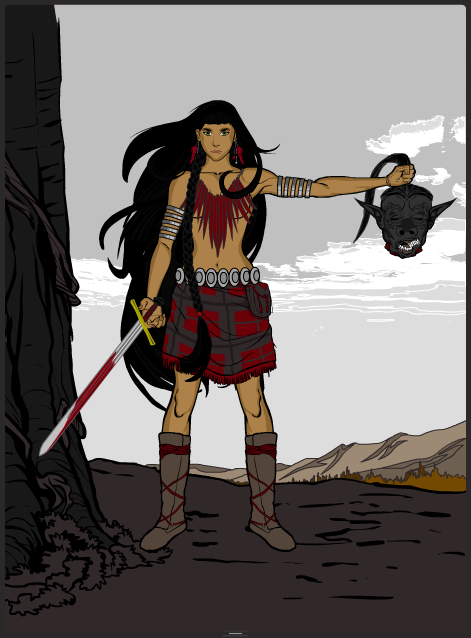
dravid8ParticipantZdenya, bad-a** barbarienne:
dravid8ParticipantQatella ↑ is a dark elf scout. I don’t really have back stories. I just leave it to the imagination, yours and mine.
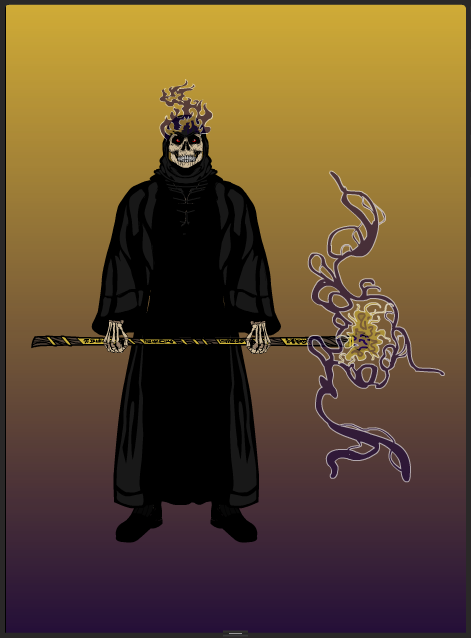
Lich Mage:
dravid8ParticipantHi, Thundersong. I encountered similar issues. The hex entry box I gave up on, but I was able to use the RGB boxes in Chrome (the browser I use–I haven’t tried others). You enter the numbers you want, then click the “save swatch” button. The color shows correctly in the first (upper left) box in the grid of white bars below. (Subsequent color choices appear sequentially underneath that box). To assign that color to an item, click on the box showing your color and it will highlight. That should do it. I’ve done it many times and it always works for me. I use an online color picker (http://www.colorpicker.com, for example) to find the color code I want in the first place. Hope this helps.
-
AuthorPosts