
If you are using HeroMachine 2 Desktop Edition, holding down the SHIFT key and clicking on a color paints the opposite color area of the item. In other words, if "Color 1" is active in the color box, holding down SHIFT and clicking on a color will make that the active "Color 2", and vice versa. This does not currently work in the online version (I'm not sure why) but is functional in the Desktop Edition.
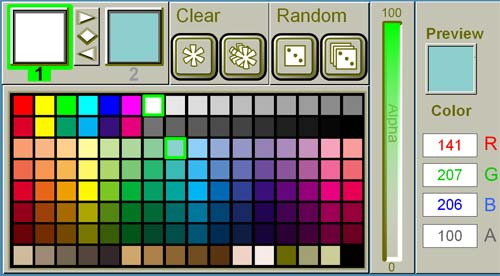
Even though Color 1 is highlighted (and set to white), by holding down the SHIFT key I can set Color 2 to light blue. This saves having to mouse up to the top and toggling the color area.

